Turnitin Integrity Flags Explained: Replaced Characters, Hidden Text, and What They Actually Mean
Integrity flags aren't your similarity score, and most students never see them at all. Here's exactly what they detect, how they're triggered — including by accident — and why instructors treat them as a starting point, not a verdict.
The quick answer
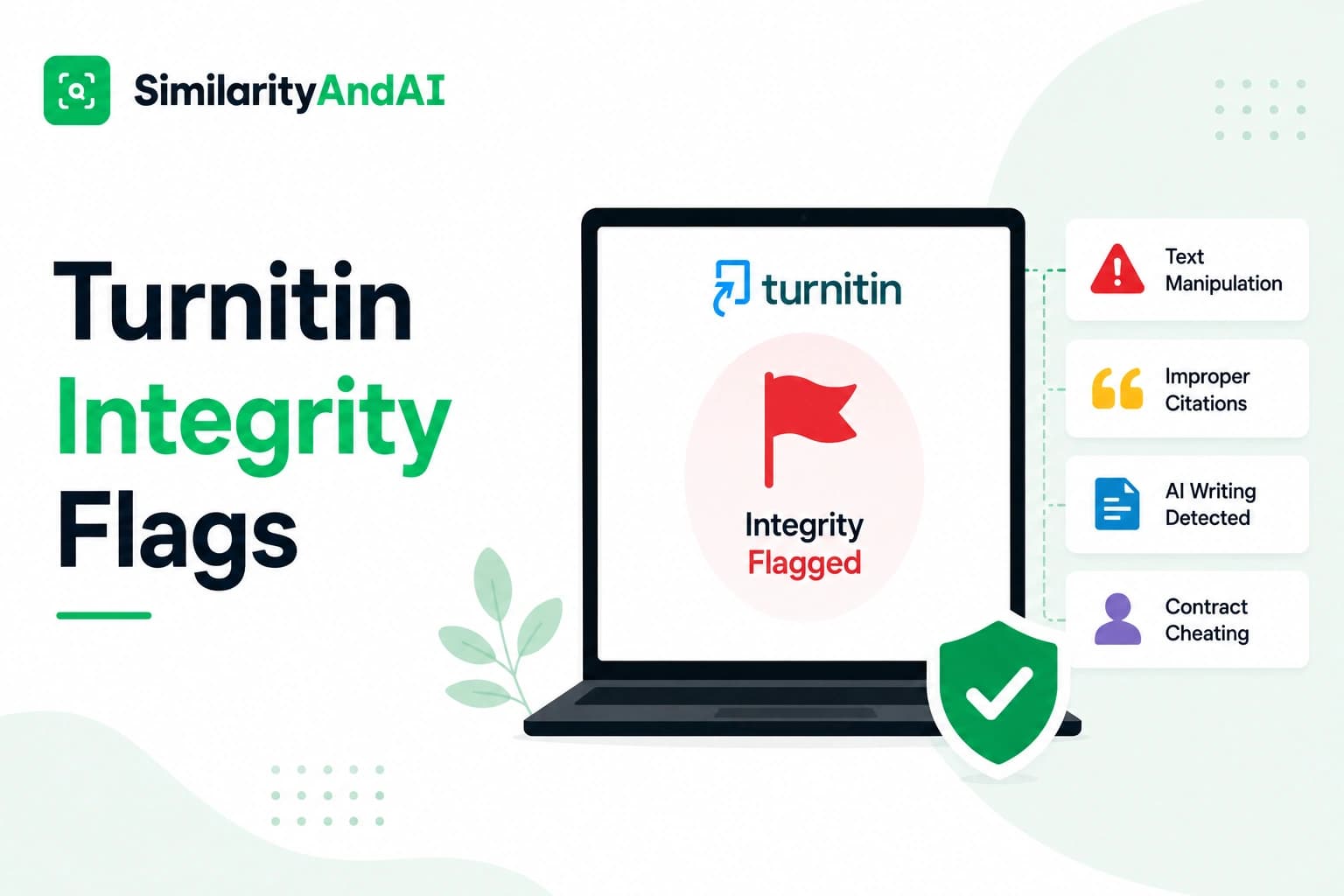
Integrity flags are a separate feature from Turnitin's similarity score and AI writing indicator, built to detect a specific kind of behavior: deliberate manipulation of a document's text meant to interfere with matching. Per Turnitin's own documentation, there are two specific things a flag can detect — hidden text and replaced characters — and neither one affects your similarity percentage directly. Flags are visible to instructors and institutional staff, not to students reviewing their own report, and Turnitin is explicit that a flag is something for a human to look into, not an automatic finding.
Integrity flags are not your similarity score
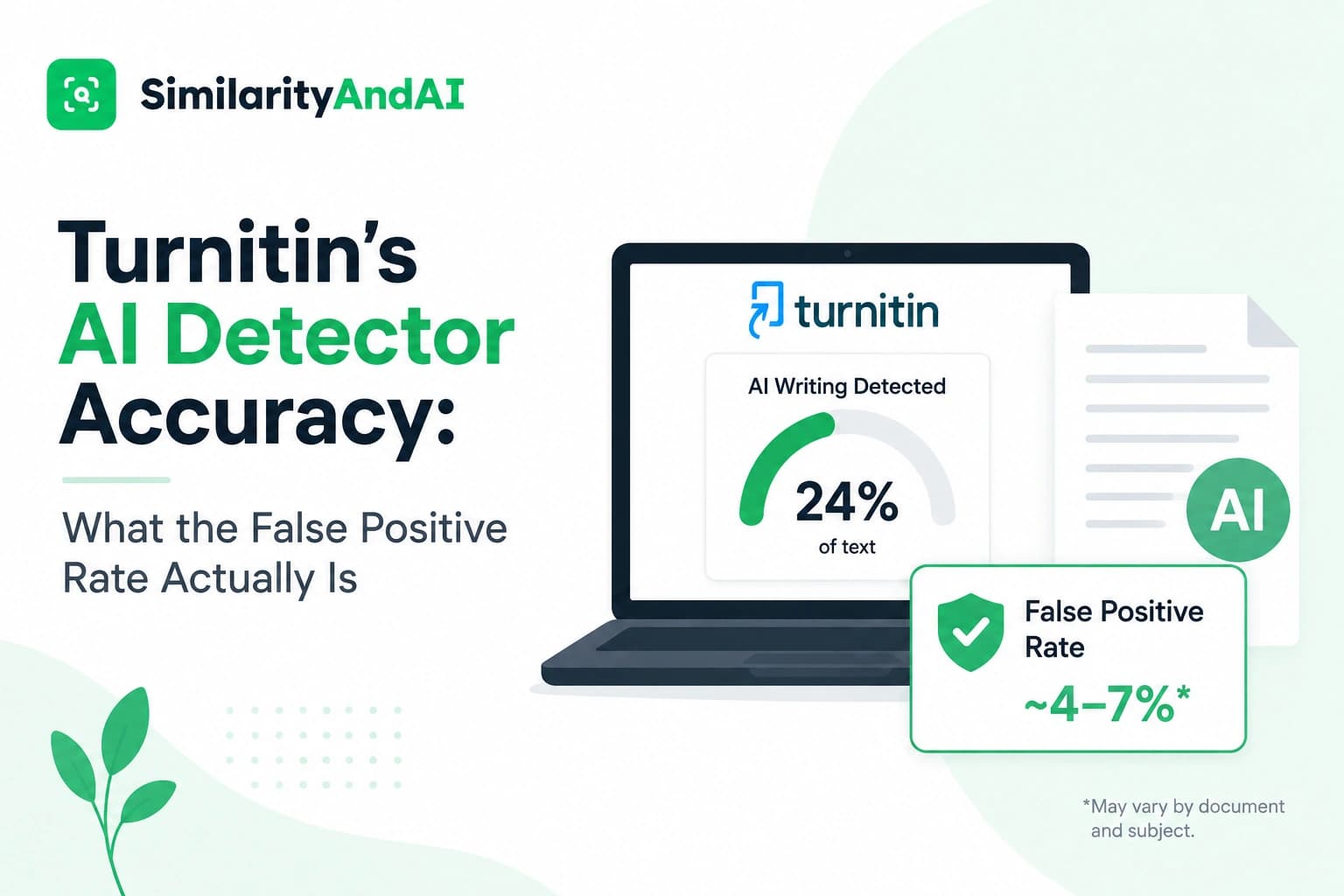
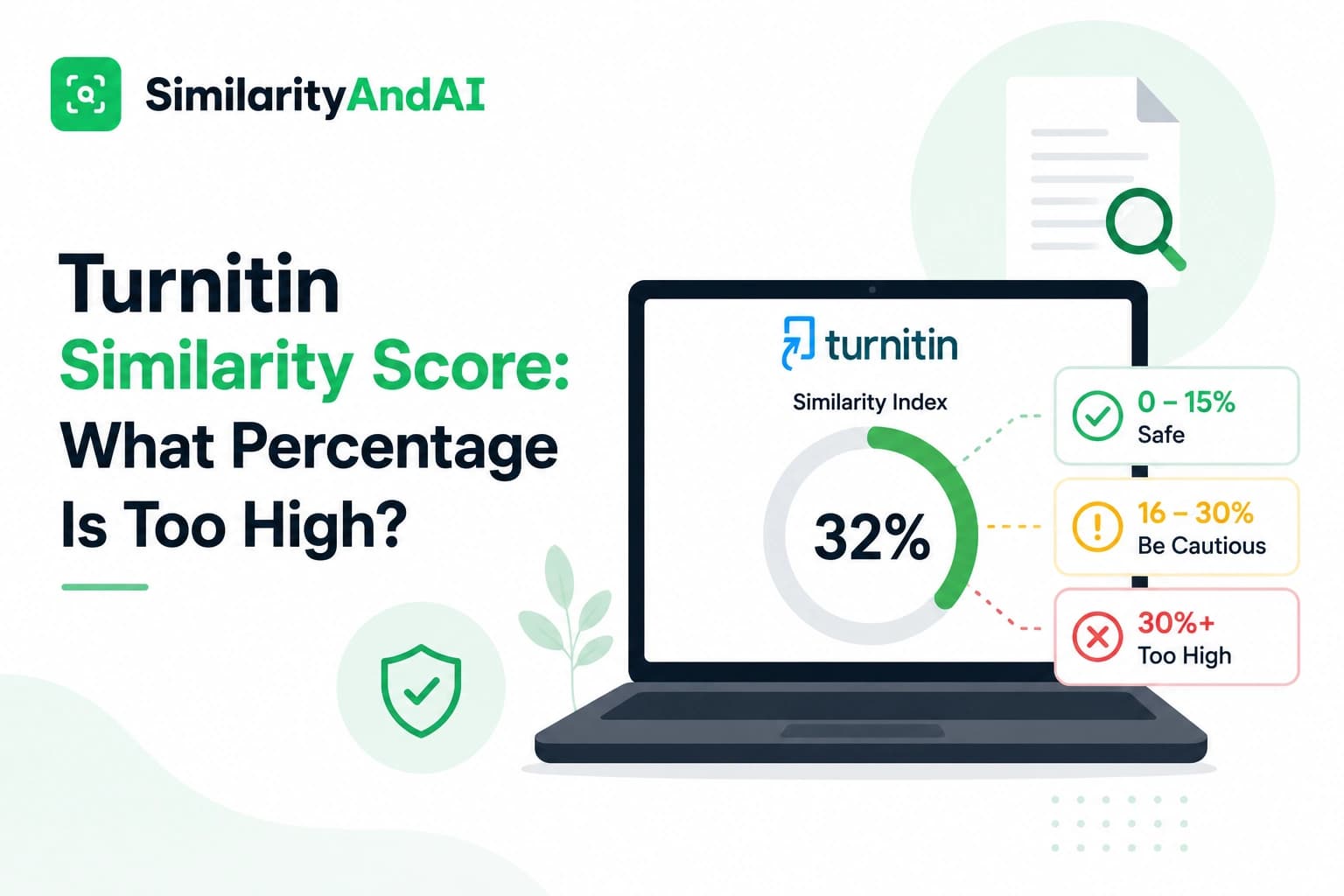
This is the single most important thing to understand, because the two get conflated constantly. Your similarity score measures how much of your text overlaps with existing sources. Integrity flags measure something entirely different: whether the document itself shows signs of being deliberately altered to interfere with that comparison. A paper can score 5% similarity and still trigger a flag; a paper can score 40% similarity with no flags at all. They're independent signals reviewed separately, not components that combine into one number.
The two things integrity flags actually detect
Turnitin's documentation is specific about scope: integrity flags exist to catch two forms of text manipulation, and only those two. This isn't a broad catch-all for anything suspicious — it's a narrow, technical check for hidden text and for characters that have been swapped out for visually similar look-alikes from a different alphabet. Both are methods that have historically been used specifically to break up text and interfere with a similarity match while leaving the visible document looking normal to a human reader.
Hidden text, specifically
The most literal version of this is text set to white font color on a white page background — invisible to anyone reading the document normally, but still present in the underlying file that Turnitin analyzes. Historically, this technique has been used to inflate word counts or to break up copied passages with invisible characters in an attempt to disrupt exact-match detection. Turnitin's system reads the underlying document content rather than only the visible rendering, so text hidden this way is still detected and flagged, even though it wouldn't be visible to a person simply opening the file.
Replaced characters, specifically
Certain letters from different alphabets are visually near-identical to Latin characters — a Cyrillic "а" can look indistinguishable from a Latin "a" at normal reading size, for instance. Swapping standard characters for these look-alikes has historically been used as a way to interrupt exact text matching while the document still reads normally to a human eye. Turnitin's detection works at the level of the underlying character code, not the visual appearance on the page, which is exactly what lets it catch this kind of substitution: the system checks what character is actually encoded in the file, not just what it looks like when rendered.
Who can actually see a flag
Integrity flags are visible in the instructor and institutional staff view of the Similarity Report, not in the version a student typically sees of their own submission. This is a meaningful practical point: if you're worried about something unusual in your own document, you generally can't just check your own report to see whether a flag was raised. The more useful move is checking the document itself — copying sections into a plain text editor will reveal hidden white text immediately, since formatting like font color doesn't survive a paste into plain text, and it will also surface character-level oddities that aren't obvious in a formatted word processor view.
Innocent explanations that trigger flags by accident
This is the part worth taking seriously, because these flags exist to catch deliberate manipulation, but they can be triggered without any intent to manipulate anything. A few genuinely common, innocent causes:
- Copy-pasting from a source with embedded formatting. Pulling text from a PDF, a web page, or another document can sometimes carry over invisible formatting artifacts or unusual character encodings that weren't intentionally added.
- PDF export quirks. Certain PDF generation processes can introduce formatting or character-encoding artifacts that weren't present in the original source document, independent of anything the writer did.
- Non-standard characters from another document or language. Text originally typed or pasted from a source using a different keyboard layout or language can carry character encodings that superficially resemble the replaced-character pattern without any deliberate substitution.
None of these require bad intent, and instructors reviewing a flag are generally looking for exactly this kind of explanation as part of understanding what actually happened.
What happens after a flag is raised
Turnitin's own position is explicit: a flag is not automatic proof of wrongdoing, and it's displayed specifically as something for a human reviewer to examine. What happens from there follows the same general review process covered in our piece on what happens if Turnitin flags you — an instructor looks at what was actually found, decides whether it warrants a conversation, and makes a judgment call from there rather than treating the flag itself as a conclusion.
How to avoid triggering one by accident
Since most innocent triggers trace back to how text was copied or exported rather than anything about the writing itself, a few habits reduce the risk: paste copied text as plain text rather than formatted text where your word processor allows it (this strips invisible formatting artifacts along with the visible ones), avoid copying directly from PDFs when you can access the original source in another format instead, and export your final document using standard, widely used software rather than less common converters that may introduce encoding quirks.
None of this is about hiding anything — it's simply good practice for making sure the document Turnitin reads matches, cleanly, the document you actually intended to submit.
The bottom line
Integrity flags are a narrow, specific detection layer for hidden text and character substitution — not a broader plagiarism signal, and not something that changes your similarity or AI score. Most students never see one at all, since flags live in the instructor-facing view of a report. When they do get triggered, it's just as often an innocent formatting artifact as a deliberate manipulation attempt, which is exactly why Turnitin treats a flag as the start of a human review rather than a conclusion in itself.
If you want to see your actual similarity and AI detection results before you submit, you can check your reports through SimilarityAndAI — the same Turnitin engine your institution uses.
Frequently asked questions
Do integrity flags affect my similarity or AI score?
No — they're a completely separate signal. A paper can have a low similarity score and still trigger an integrity flag, and a paper with a high similarity score can have no flags at all. Flags don't add or subtract percentage points from either score; they exist alongside them as a separate item for an instructor to review.
Can I see if my own paper got flagged?
Generally, no. Integrity flags are visible to instructors and institutional staff reviewing the Similarity Report, not to students viewing their own submission. If you're concerned about hidden text or unusual characters in your document, the more useful step is checking your own file directly — copying sections into a plain text editor will reveal both.
Can formatting mistakes accidentally trigger an integrity flag?
Yes, and this happens more often than students expect. Copy-pasting from a source with unusual embedded formatting, certain PDF export processes, and some non-standard characters carried over from another document can all trigger a flag without any intent to manipulate the text. This is exactly why Turnitin frames a flag as something for a human to review, not an automatic conclusion.
Does an integrity flag mean I'll automatically be accused of misconduct?
No. Turnitin explicitly positions integrity flags as a signal for further review, not proof of wrongdoing on their own. What happens next depends entirely on your institution and instructor — the same review process covered in our piece on what happens if Turnitin flags you applies here: a human looks at what was actually found before any conclusion is reached.
Ready to check your paper?
Get your Turnitin reports in minutes.
Same reports your institution generates — delivered privately, fast.