Does Turnitin Save Your Paper Forever? What Actually Happens After You Submit
Your paper doesn't just vanish after the similarity check. Here's what Turnitin actually stores, how long it keeps it, who owns it, and the real process for getting it deleted.
The quick answer
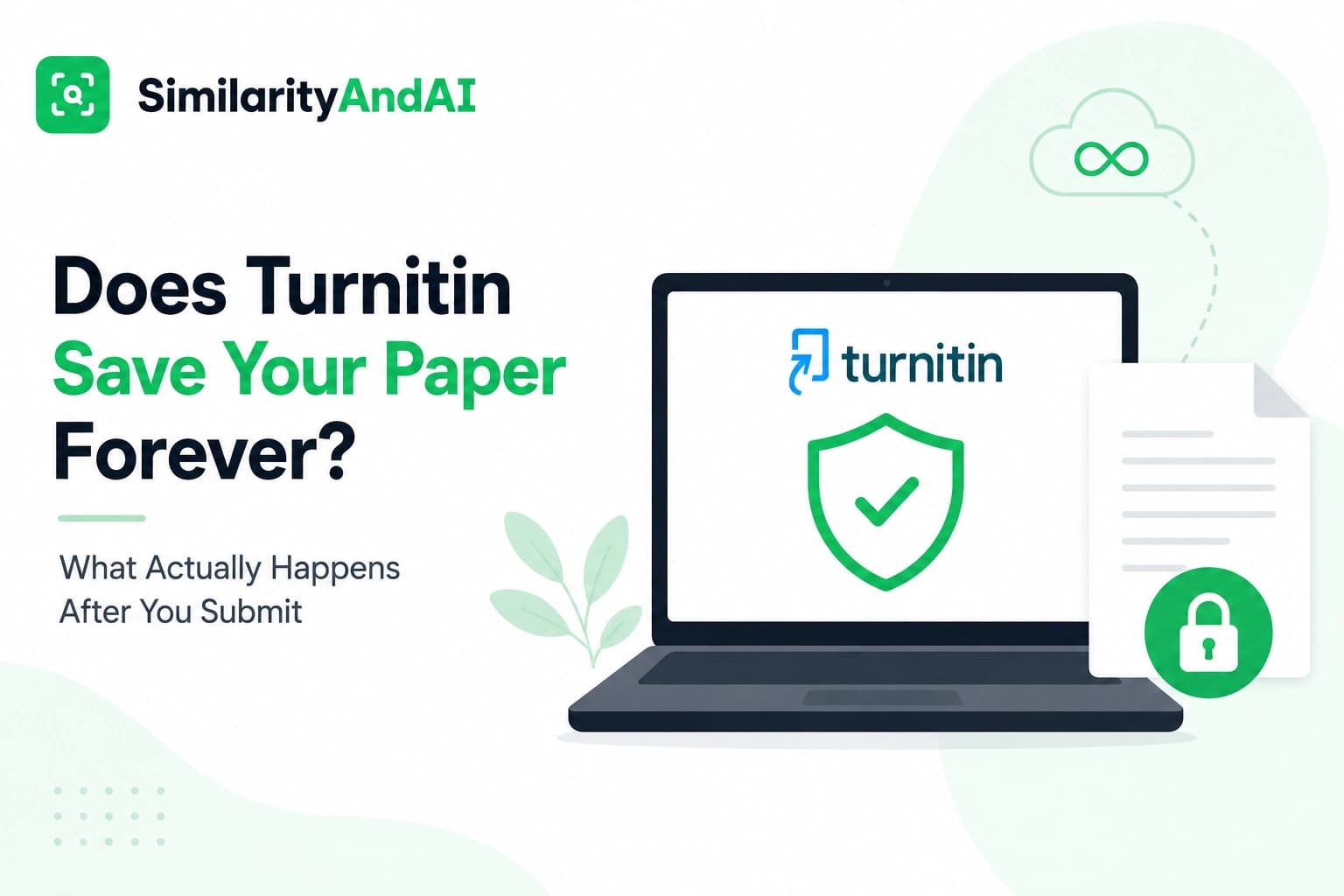
By default, yes. If your paper is submitted to an assignment configured for standard repository storage — the default setting for most final submissions — Turnitin's own services privacy policy states the document is retained indefinitely, in encrypted form, unless the institution specifically requests it be deleted. There's no automatic expiration date. It doesn't vanish after grading, after the semester ends, or after you graduate.
That said, "stored indefinitely" doesn't mean unprotected, published, or owned by Turnitin — those are three separate questions with three separate answers, and this article covers all of them, along with the actual process for getting a paper removed if you need to.
What actually gets stored
When a paper is submitted to an assignment set to the standard repository, Turnitin retains the full document — not just a similarity score or a summary, the actual text — in its database. That copy becomes available for comparison against future submissions, which is the entire point of storing it: catching a paper reused wholesale in a later class, or resubmitted at another institution using Turnitin.
Not every submission works this way. Institutions can configure assignments differently — a private, institution-only repository that never leaves the school, or a no-repository setting that skips storage entirely. We cover those distinctions in detail in our piece on Turnitin's repository settings. The default most students encounter, though, is standard storage, shared across the wider pool of institutions using Turnitin.
How long Turnitin keeps it
"Indefinitely" is the operative word in Turnitin's own documentation — there's no built-in retention window after which a paper automatically ages out. Some institutional agreements include contractual provisions around inactive classes, but the default behavior, absent a specific deletion request, is that the paper simply stays. It isn't reviewed periodically or purged on any schedule.
This surprises a lot of students who assume a paper is only relevant for the length of the class it was submitted to. In practice, a paper submitted as a freshman can still be sitting in the repository, available for comparison, years later.
Who owns your paper after you submit it
Storage and ownership are different questions, and it's worth separating them clearly. Turnitin's own terms state plainly that it does not claim copyright over submitted work — you retain full ownership of anything you write and submit. Turnitin's stated position is that it doesn't use the content of your paper for anything beyond the plagiarism-detection service itself: it isn't published, sold, or made available to any third party outside your own institution.
That distinction — retained, but not owned or redistributed — is the basis for how this whole system has been allowed to operate at scale, and it's also exactly what got tested in court.
The court case that settled this
This isn't just a policy claim — it was litigated. In A.V. ex rel. Vanderhye v. iParadigms, LLC, a group of high school students sued Turnitin's parent company, arguing that archiving their papers without separate, individual permission infringed their copyright. The Fourth Circuit Court of Appeals ruled in 2009 that the archiving qualified as fair use, not infringement — reasoning that Turnitin didn't publicly distribute the papers or make them available to anyone beyond the student's own institution, and that comparing text for originality checking was a transformative use distinct from republishing the work.
The ruling is the legal backbone of why this system is allowed to operate the way it does: storage for comparison purposes, without ownership transfer or public distribution, has been tested and upheld.
What the stored copy is actually used for
The stored paper isn't sitting there for no reason — it exists specifically to be compared against future submissions. Turnitin's own guidance on self-matching describes exactly this mechanism: it's what lets an instructor catch a paper being reused across different classes, or resubmitted by a different student entirely. It isn't reviewed by a person, isn't browsable, and isn't searchable outside of the similarity-matching process itself.
The tradeoff is the one this whole system runs on: broader detection of reused or plagiarized work, at the cost of every legitimate submission also sitting in a database indefinitely, whether or not the student who wrote it will ever need it compared against anything again.
Can you get your paper deleted?
Yes, but not directly, and this is the part students find most frustrating. Under data privacy frameworks like GDPR, Turnitin is classified as a data processor — your school or institution is the data controller. Per Turnitin's own help center on permanently deleting a stored paper, Turnitin cannot process a deletion request that comes directly from a student, for contractual and data-privacy reasons. The request has to originate from the institution.
In practice, that means contacting your school's data protection office, registrar, or academic integrity office and asking them to submit a deletion request to Turnitin on your behalf. Once an authorized request goes through, Turnitin states it removes the paper within roughly 14 days, and the deletion is permanent — it can't be recovered afterward, including by the institution that requested it.
Whether your specific institution is willing to submit that request, and how easy the process is, varies quite a bit by school. There's no student-facing self-service deletion tool on Turnitin's own site.
What happens when you graduate or leave the school
This is a common worry, and the honest answer is: not much changes automatically. Graduating, transferring, or otherwise losing your enrollment status at the institution doesn't trigger a deletion of papers you already submitted. The stored copy persists in Turnitin's database under the institution's account, independent of your current enrollment status. If you want it gone after you've left, you'd still need to go through the same institution-mediated deletion request — and that's worth knowing before you assume the connection simply lapses on its own once you're no longer a student there.
Avoiding storage altogether: checking before you submit
If the goal is to see your real similarity or AI detection results without adding another permanent entry to a database you can't personally clear, the cleanest approach is to make sure the check itself never gets stored in the first place, rather than relying on a deletion request after the fact. That's the reasoning behind running every check in No Repository Mode: the document is scanned against the same sources your institution's Turnitin account uses, and then it's discarded — never added to any repository, and never available to be compared against your own real submission later, which is a separate risk covered in our piece on checking your Turnitin score before submitting.
It's a materially different guarantee than storage-then-delete-on-request: nothing is ever added, so there's nothing that later needs to be removed.
The bottom line
Turnitin doesn't own your work, and the practice of storing it for comparison purposes has survived a direct legal challenge. But "doesn't own it" and "doesn't keep it" are different things — by default, your paper stays in the database indefinitely, and getting it removed requires your institution to request deletion on your behalf, since Turnitin won't act on a student's request directly. If you'd rather not create that paper trail at all, the only reliable way is to make sure the check itself is never stored in the first place.
If you want to see your real similarity and AI detection scores before you submit, you can check your reports through SimilarityAndAI — run entirely in No Repository Mode, so nothing you check here is ever added to a database you'd later need to request removal from.
Frequently asked questions
Does Turnitin store my paper forever by default?
By default, yes — once a paper is submitted to an assignment configured for standard repository storage, Turnitin's own privacy policy states it retains the document indefinitely, in encrypted form, unless the institution specifically requests its deletion. There's no automatic expiration date on a standard submission.
Does Turnitin own my paper once I submit it?
No. Turnitin's terms are explicit that it does not claim copyright or ownership over submitted work — you retain full ownership. This was also tested in court: in A.V. v. iParadigms (4th Cir. 2009), students sued Turnitin's parent company over archiving their papers without separate permission, and the court ruled the archiving was fair use, not infringement, partly because Turnitin doesn't publish, sell, or redistribute the stored papers.
Can I personally ask Turnitin to delete my paper?
Not directly. Turnitin is contractually and legally set up as a data processor, with your school or institution as the data controller — meaning deletion requests have to come from the institution, not the individual student. If you want a paper removed, you need to go through your school's data protection office or academic integrity office, which then submits the request to Turnitin.
Is there a way to check my paper without it being stored at all?
Within your institution's own Turnitin account, that depends on whether the specific assignment is configured for no-repository storage — a setting your instructor controls, not you. Outside of that, an independent check run through a separate institutional Turnitin license, in a mode that doesn't store the file afterward, avoids the question entirely.
Ready to check your paper?
Get your Turnitin reports in minutes.
Same reports your institution generates — delivered privately, fast.
Related articles