Does Turnitin Detect Self-Plagiarism? Reusing Your Own Past Work
Turnitin can't tell you wrote something originally — it only sees text that matches something already in its database, even if that something is your own earlier paper. Here's when reusing your own work actually counts as a problem.
The quick answer
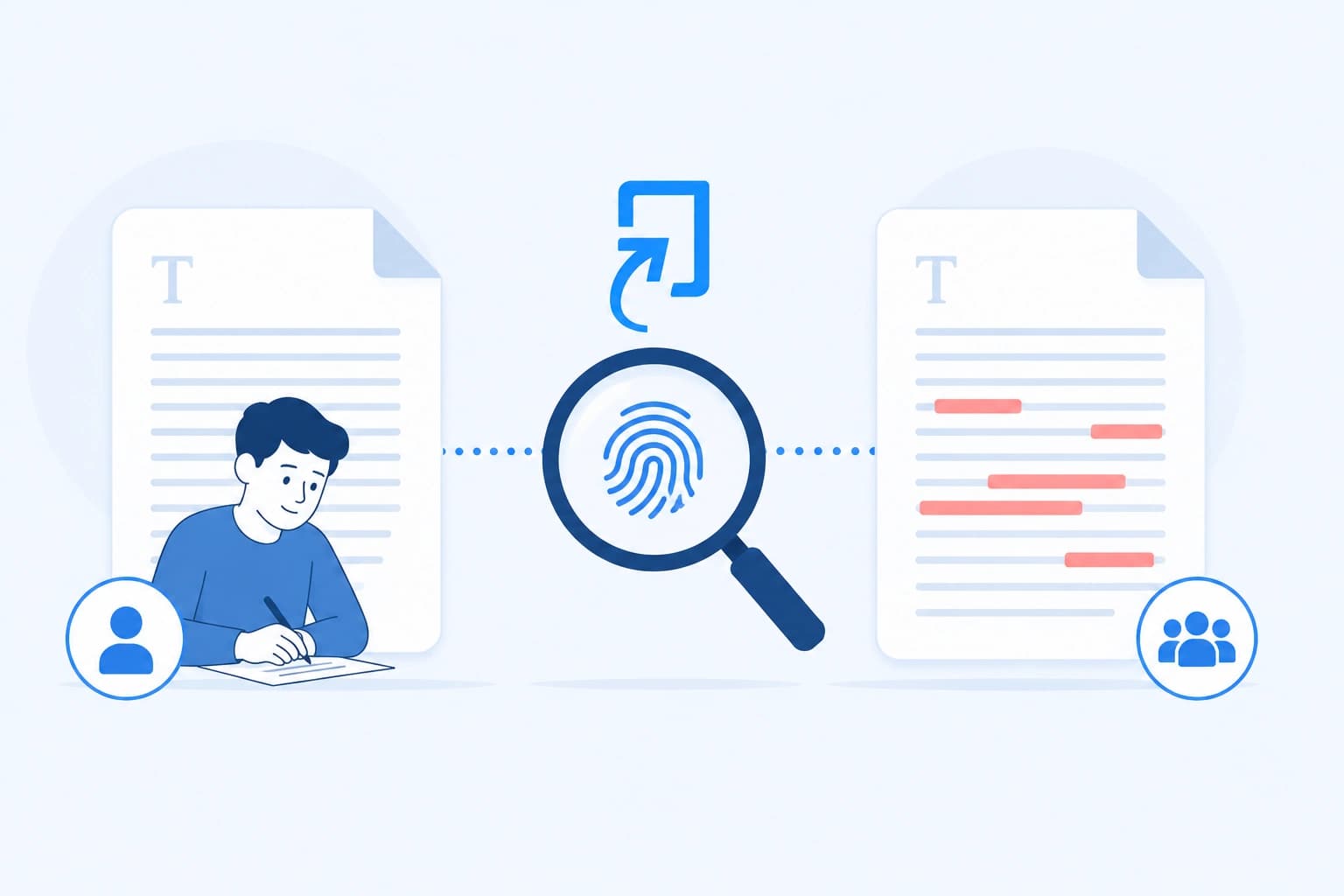
Yes, indirectly. Turnitin doesn't have a special "self-plagiarism detector" — it works exactly the way it does for any other match, by comparing your submission's text against everything stored in its databases, including your own previously submitted papers if they were stored in a repository. If a large chunk of your new submission matches an old one you wrote, it shows up as a match like any other, and it's up to your instructor to notice that the source is your own earlier work rather than someone else's.
What self-plagiarism actually means
Per Turnitin's own definition, self-plagiarism — sometimes called duplicate plagiarism — is when a writer recycles work originally produced for one assignment or publication and represents it as new for a different one. For students, the most common version is recycling an essay, or large portions of one, written for an earlier course and resubmitting it — in whole or in part — for a different assignment in a different class.
The core issue isn't that the writing is somehow "stolen" — you wrote it. It's that each assignment is meant to represent original effort produced specifically for that course, and submitting previously completed work undermines that expectation, even though no one else's intellectual property is involved.
Why Turnitin catches it at all
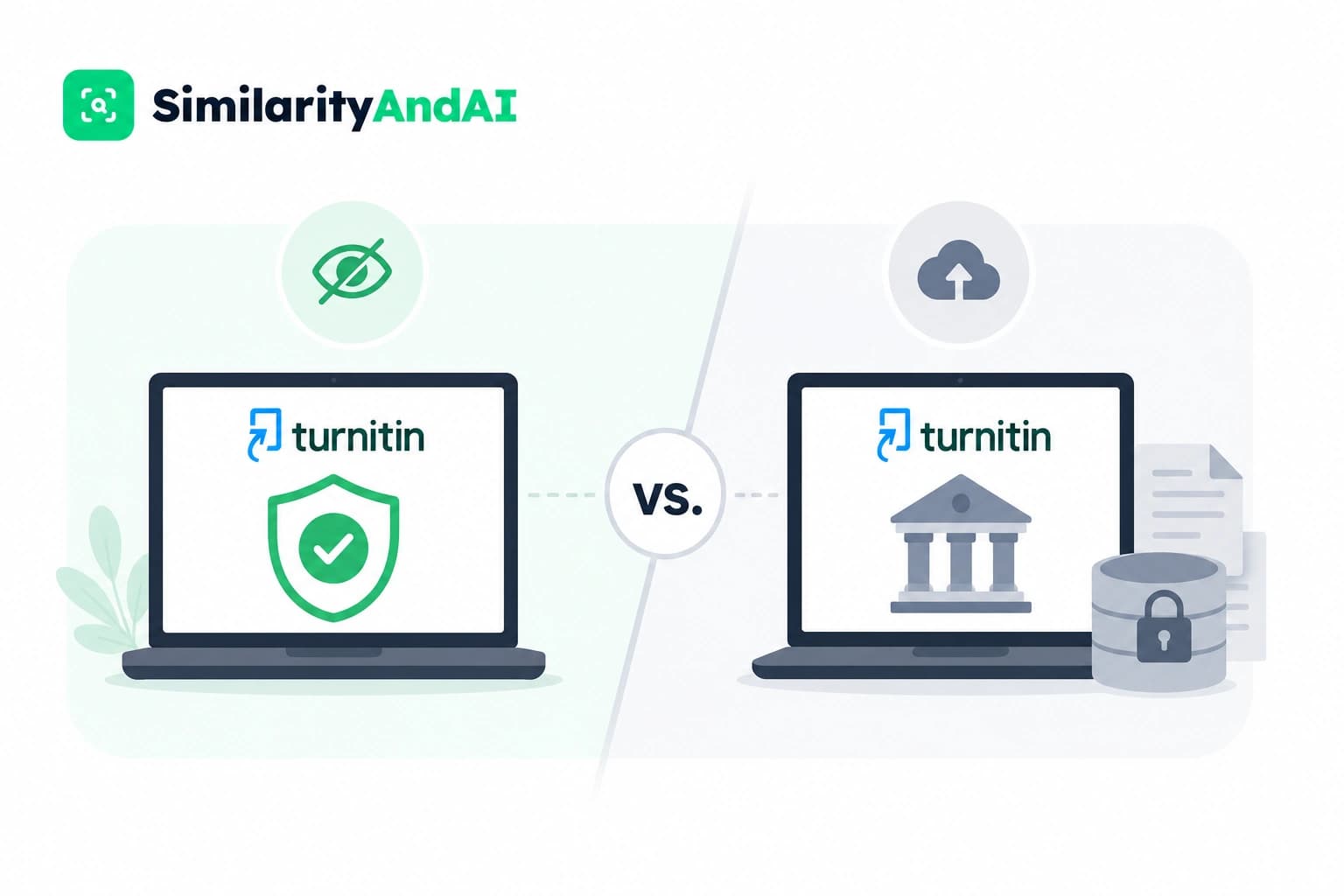
This comes down to how Turnitin's repository works. When a paper is submitted to an assignment configured for standard repository storage, a copy is retained and becomes available for comparison against future submissions — a mechanism covered in more depth in our piece on Turnitin's repository settings. If your earlier paper was stored this way, and you later submit the same or substantially similar text somewhere else, the new submission will match against that stored copy exactly like it would match against any external source.
Same class vs. different class: the distinction that matters
This is where the mechanics get specific, and it's worth understanding precisely. Turnitin's help center explains that submissions within the same assignment are automatically excluded from matching each other by default — this exists specifically so students can submit drafts without those drafts flagging against their own final version. That automatic exclusion does not extend across different assignments or different classes. If you submit a paper to one class's Turnitin assignment, and later submit the same or overlapping text to a completely different assignment — a different course, a different semester — that second submission is not automatically excluded from matching the first. If either assignment stored the paper to a repository, the second submission can come back showing a high similarity score matched entirely against your own earlier work.
Why reused work is still treated as an issue
A high similarity score from self-matching isn't automatically framed as "theft" the way copying someone else's work is, but most institutions still treat undisclosed reuse of your own prior work as a genuine academic integrity issue — not just a technical quirk of how the software works. The underlying concern is that each course grade is meant to reflect original effort completed for that specific class. Submitting the same paper twice for separate credit, without permission, shortcuts that expectation even though the writing is entirely your own.
When reusing your own work is actually fine
Building on your own earlier writing isn't inherently prohibited — it's a normal part of academic work, especially for theses, ongoing research, or a series of related assignments. It just needs to be handled deliberately rather than silently:
- Get explicit permission first. Ask your current instructor before reusing substantial material from a previous course — don't assume it's automatically fine just because you wrote it.
- Cite yourself. If you're drawing on your own previously submitted or published work, cite it the same way you'd cite any other source, rather than presenting it as newly written.
- Understand your program's specific policy. Some programs — particularly around thesis or dissertation work that builds cumulatively — have explicit rules for how much prior material can be carried forward and how it must be acknowledged.
What to do if you're flagged for this specifically
If your instructor raises a concern about a match to your own prior submission, the same general review process applies as any other flag, covered in our piece on what happens if Turnitin flags you — it's a starting point for a conversation, not an automatic conclusion. Where it differs is the specific explanation available to you: if the reuse was disclosed and approved in advance, say so directly and point to that approval. If it wasn't disclosed, the more useful response is usually acknowledging the overlap honestly and explaining the context, rather than disputing that the match exists at all — since, unlike a coincidental phrase match, a match against your own stored paper is generally an accurate, real match.
The bottom line
Turnitin doesn't have a dedicated self-plagiarism feature — it simply compares text against everything in its databases, and your own previously stored papers are part of that pool under the right repository settings. The automatic exclusion that protects drafts within a single assignment doesn't extend across different classes, which is exactly the gap that produces most self-matching surprises. The fix isn't avoiding your own best writing — it's disclosing reuse upfront and getting it approved, rather than finding out the overlap was flagged after the fact.
If you want to check whether a paper you're reusing or adapting would raise a flag before you submit it for real, you can check your reports through SimilarityAndAI — the same Turnitin engine your institution uses, run in No Repository Mode.
Frequently asked questions
Can Turnitin tell the difference between plagiarizing someone else and reusing my own work?
Not automatically. Turnitin's similarity check only reports that text matches something already in its database — it doesn't know or care whether that source happens to be your own earlier paper. It's an instructor reading the match report, seeing that the matched source is the same student's prior submission, who makes that distinction, not the software itself.
Will Turnitin flag me for submitting the same paper to two different classes?
It can, if either assignment stores submissions to a repository. Turnitin's default self-match exclusion prevents drafts within the same assignment from matching each other, but that exclusion doesn't extend across separate assignments or classes — so a paper submitted to one class, then resubmitted to a different class later, can come back matching itself at a high percentage.
Is reusing my own work actually against the rules?
Usually, yes, unless your instructor has explicitly approved it. Most institutions treat submitting substantially the same work for credit in two different courses as a form of academic dishonesty — sometimes called 'duplicate plagiarism' — because each assignment is supposed to represent original effort for that specific course, not a resubmission of previously graded work.
What if I'm building on my own earlier research or thesis chapter?
This is a legitimate, common academic practice, but it needs to be handled deliberately, not silently. Cite your own earlier work the way you'd cite any other source, and — this is the part students skip — get explicit permission from your current instructor before reusing substantial material from a previous course, rather than assuming it's automatically fine.
Ready to check your paper?
Get your Turnitin reports in minutes.
Same reports your institution generates — delivered privately, fast.